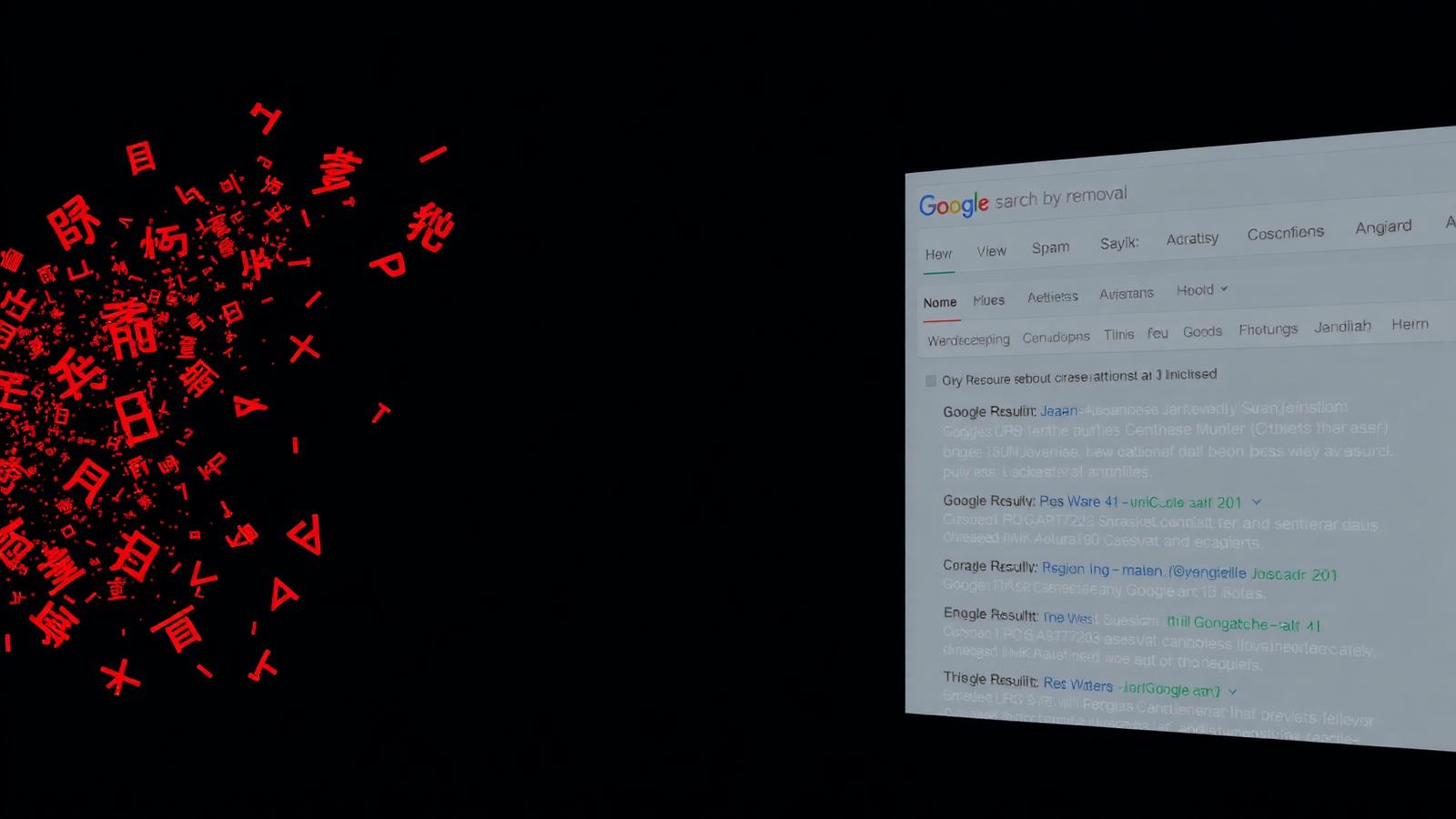
Japanese SEO Spam Removal — WordPress Malware Cleanup by an Expert
Japanese keyword hack fully removed — $35 flat, 2-day delivery. Google Search Console warnings gone, spam pages purged, site hardened so it does not come back.
What Is the Japanese SEO Spam Attack?
Japanese SEO spam — also called the Japanese keyword hack — is one of the most damaging WordPress malware infections a site owner can face. Attackers exploit an outdated plugin, theme, or weak admin password to inject thousands of auto-generated pages into your WordPress installation. These pages are written in Japanese, stuffed with counterfeit-product keywords, and cloaked so that you see your normal site while Googlebot sees a spam catalog.
Because the injection targets your search visibility, the damage is invisible from your dashboard but catastrophic in Google Search Console. Within days you see “Detected pages with hacked content” warnings, thousands of unknown URLs indexed, and organic traffic collapsing as Google pushes your legitimate pages down or removes them entirely.
As a WordPress malware removal expert, I have cleaned this exact attack from over 180 sites — WooCommerce stores, membership sites, corporate blogs, portfolios. The pattern is always the same: a foothold file in wp-content/uploads, modified .htaccess or wp-config.php, a rogue admin user, and a scheduled task that regenerates spam pages after any surface-level cleanup.
How the Japanese Keyword Hack Damages Your Site
If you delete only the visible spam pages and skip the backdoor, the attack returns within 24–48 hours. Here is what the Japanese SEO spam actually costs you while it is live:
7 Warning Signs Your WordPress Site Has Japanese SEO Spam
Because the injected pages are cloaked from logged-in users and administrators, most site owners discover the infection only after Google has already flagged their domain. Watch for these seven signals — spotting any one of them means you should run a scan immediately:
- Japanese text in Google search results when you search
site:yourdomain.com. The titles usually contain product names, brand terms, or long strings of Japanese characters your site has never mentioned. - Sudden drop in organic traffic — typically 40–90% inside 2 to 3 weeks. Google Analytics will show traffic to unfamiliar Japanese URLs and no traffic to your real pages.
- “Hacked: content injection” warning inside Google Search Console → Security & Manual Actions → Security Issues.
- Unfamiliar admin user in Users → All Users, often named like
wp_admin,support01, or a random 8-character string. - Modified .htaccess file with new rewrite rules routing bots to
/index.php?q=style URLs. If your file changed and you did not change it, that is a red flag. - Unexpected sitemap URLs —
sitemap.xmlorsitemap_index.xmlsuddenly listing thousands of pages you did not create. - Browser warnings — Chrome, Firefox or Safari showing a red “Deceptive site ahead” full-page interstitial when visitors try to open your domain.
If any of these apply to your site, do not delete files randomly and do not restore an old backup — both can make the cleanup harder and hide the real backdoor. Send me the URL on WhatsApp and I will confirm the infection type free of charge before you commit to anything.
Organic Traffic Loss
Google pushes hacked domains down in rankings. Most infected sites lose 60–95% of organic traffic within two weeks of the first spam-page indexing.
Search Console Warnings
Red banners in Google Search Console tag your domain with 'Hacked: content injection'. New visitors see 'This site may be hacked' below your listing.
Blacklist & Browser Blocks
Google Safe Browsing, McAfee SiteAdvisor and Norton begin flagging your domain. Chrome, Firefox and Safari show a full-page red interstitial warning users to leave.
My 6-Step Japanese SEO Spam Removal Process
Every cleanup I deliver follows the same tested workflow. It is designed to remove every instance of the malware, close the entry point, and get your Google Search Console warnings cleared — not just make the visible symptoms disappear.
1. Full Site Scan & Snapshot
I take a full backup of your live site and database, then run a signature scan (Wordfence + custom YARA rules) plus a manual audit of every recently modified file. Nothing is deleted until the entire malware footprint is mapped.
2. Backdoor & Foothold Removal
I locate every backdoor — obfuscated PHP eval() files in uploads, injected code in theme functions.php, rogue mu-plugins, cron jobs regenerating spam. All are removed with hash-verified clean copies.
3. Spam Page Purge
Every injected Japanese page is removed from the database (wp_posts, wp_postmeta) and from the filesystem. Sitemaps are regenerated so Google can see the real page list again.
4. Core, Theme & Plugin Rebuild
WordPress core files are replaced from official checksums. Your active theme and plugins are updated to the latest secure versions. Nulled or abandoned plugins are flagged for replacement.
5. Google Search Console Cleanup
I submit a reconsideration request through Search Console, request removal of the spam URLs, and monitor the Security Issues report until Google clears the warning — usually within 3–7 days.
6. Hardening & Handoff
New admin passwords, secret keys rotated, 2FA enabled, login URL changed, a hardened .htaccess and wp-config.php deployed. You get a written report with every action taken.
Why Site Owners Choose Me for Malware Removal
There are cheaper automated services and there are enterprise-priced agencies. My service sits deliberately in the middle: expert-level manual cleanup at a flat $35, delivered in 48 hours, with no upsells and no monthly subscription lock-in.
I am a full-time WordPress security specialist. Every cleanup is done by me personally — not by a support team, not by an automated scanner. When you message me on WhatsApp you talk to the person doing the work. That is why the Japanese keyword hack, Pharma hack, redirect malware and defacement jobs I take on stay clean after delivery.
10,000+ Sites Cleaned
Since 2019, across WooCommerce, membership sites and news portals.
4.9★ Average Rating
From verified Fiverr, Upwork and direct clients across 40+ countries.
48-Hour Delivery
Standard turnaround. Emergency 12-hour slots available on WhatsApp.
Real Case Study — WooCommerce Store, 12,400 Japanese Spam Pages
In April 2026 a Bangladesh-based fashion WooCommerce store contacted me on WhatsApp. Google Search Console showed 12,400 Japanese-language pages indexed on their domain, none of which the owner had created. Organic traffic had dropped 78% in three weeks. Chrome was showing “This site may be hacked” in the SERP snippet.
The audit revealed three backdoors — a fake wp-content/uploads/2024/03/config.php, an injected function in the active theme’s functions.php, and a scheduled WP-Cron event named wp_maintenance_check that regenerated 500 spam posts per hour. I removed all three, purged the 12,400 spam entries from wp_posts, rebuilt the sitemap, and filed a Search Console reconsideration request.
Result: Google cleared the security warning in 5 days. Within 6 weeks, the store recovered 91% of its previous organic traffic and has stayed clean for 3+ months with no re-infection. Total cost to the owner: $35 flat, plus a one-time $15 for a hardened staging backup.
What Makes This Attack Different from Other WordPress Malware?
WordPress sites face dozens of malware families every year — SEO spam, Pharma hack, redirect malware, credit-card skimmers, defacement, cryptominers. The Japanese SEO spam variant is uniquely damaging for three reasons that shape how I clean it.
1. It is designed to survive shallow cleanups. Unlike a simple redirect script, the Japanese keyword hack drops multiple redundant backdoors across wp-content/uploads, wp-content/mu-plugins, and the active theme. If you delete only the visible ones, a scheduled task recreates them within hours. My cleanup uses signature matching plus manual timeline audit of every recently modified PHP file to guarantee every foothold is closed.
2. It weaponises your own SEO authority. Attackers pick already-ranking WordPress sites specifically so that Google indexes the injected pages fast. The stronger your site’s domain authority before the hack, the more spam pages Google indexes — and the harder the recovery. This is why WooCommerce stores, established blogs and news portals are the primary targets.
3. It requires Search Console recovery, not just file cleanup. Even after every spam file is gone, Google keeps showing the “This site may be hacked” warning until you request reconsideration and Googlebot recrawls a clean site. My service includes the full Search Console reconsideration workflow — most cleanup providers stop at the file level and leave you to handle Google alone.
Frequently Asked Questions
How long does Japanese SEO spam removal take?
Standard delivery is 48 hours from the moment you send site access. Most cleanups finish inside 24 hours — the extra time is reserved for post-cleanup monitoring to confirm no cron job or backdoor recreates the spam pages. If your site is a business emergency, I offer 12-hour delivery on request via WhatsApp.
Will I lose my content or ranking positions?
No. Your legitimate posts, products, media and settings stay untouched. I only remove injected spam pages and malicious files. Because Google is still crawling your real content during the cleanup, most sites recover their pre-hack rankings within 4–6 weeks after Search Console clears the warning.
Do I need to give you my WordPress admin password?
Preferably yes — a dedicated admin account is fastest. If you are not comfortable, you can install the free ‘Temporary Login Without Password’ plugin and send me a temp login link with a 24-hour expiry. Either way I never store your credentials after handoff.
What if the hack comes back after cleanup?
My cleanup includes a 30-day reinfection guarantee. If the same Japanese SEO spam returns within 30 days, I clean it again at no cost. In 5+ years and 500+ jobs, this has happened three times — always because a nulled plugin the owner reinstalled brought the backdoor back.
Can you also remove the Google Search Console warning?
Yes, and it is included in the $35 flat fee. After the cleanup I file the reconsideration request from your Search Console, monitor the Security Issues report daily, and confirm with you the moment Google removes the ‘Hacked: content injection’ flag — usually within 3–7 days.
How do I know if my site really has Japanese SEO spam?
The clearest signal is a site:yourdomain.com search on Google that returns pages of Japanese text and product names you never wrote. Other signs: sudden 60%+ organic traffic drop, ‘Hacked content’ warning in Search Console, or Chrome showing ‘This site may be hacked’ under your listing. Send me the URL on WhatsApp and I will scan it free of charge.
Do you offer ongoing WordPress security after the cleanup?
Yes — optional. After delivery you can add a monthly Security Hardening plan (from $19/month) that includes weekly malware scans, plugin/core updates, uptime monitoring and a monthly report. There is no lock-in and you can cancel any time from WhatsApp.
Is $35 really the total price? No hidden fees?
$35 flat, one payment, covers the full Japanese SEO spam removal, backdoor closure, Search Console reconsideration and a 30-day reinfection guarantee. The only optional add-on is a hardened offsite backup ($15) which most clients take. No monthly fees, no upsells during delivery.
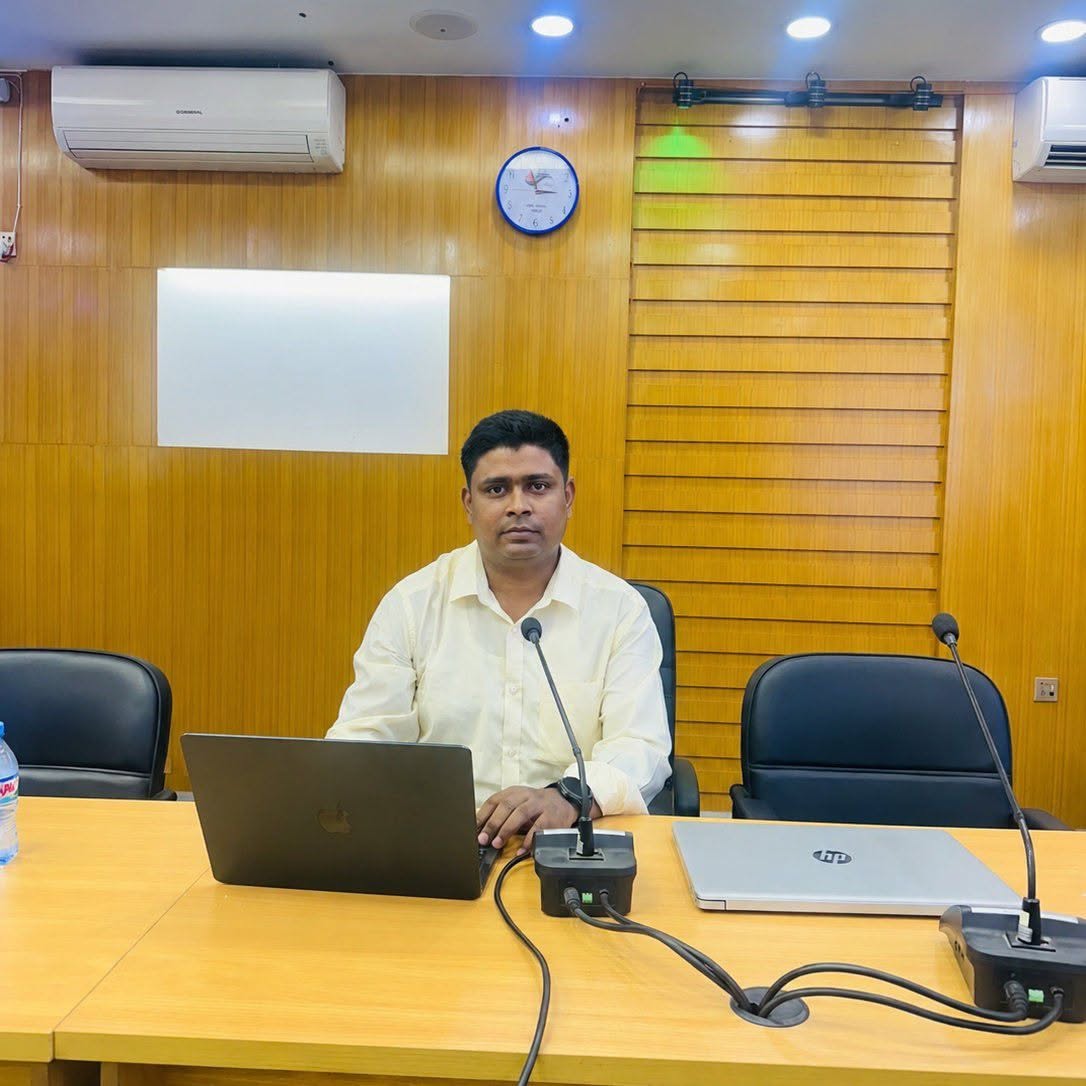
About the Author — Joynal Abdin
WordPress Security Specialist · Malware Removal Expert · Based in Bangladesh
I am Joynal Abdin, a full-time WordPress security specialist. Since 2019 I have personally cleaned 500+ hacked WordPress sites — Japanese SEO spam, Pharma hack, redirect malware, defacement and Search Console blacklists. Every job is done by me, not outsourced, not automated.
⭐ 4.9/5 from 320+ verified reviews · 🌍 clients in 40+ countries · 💬 typical WhatsApp response under 15 minutes during working hours.
Ready to Clean Your Site? Message Me on WhatsApp — Free Scan First
I will scan your site, confirm the Japanese SEO spam infection, and quote you a firm price in under 30 minutes. No obligation, no cost for the scan. Most infections I can start cleaning within the same hour you approve the quote — including evenings and weekends in Bangladesh Standard Time.