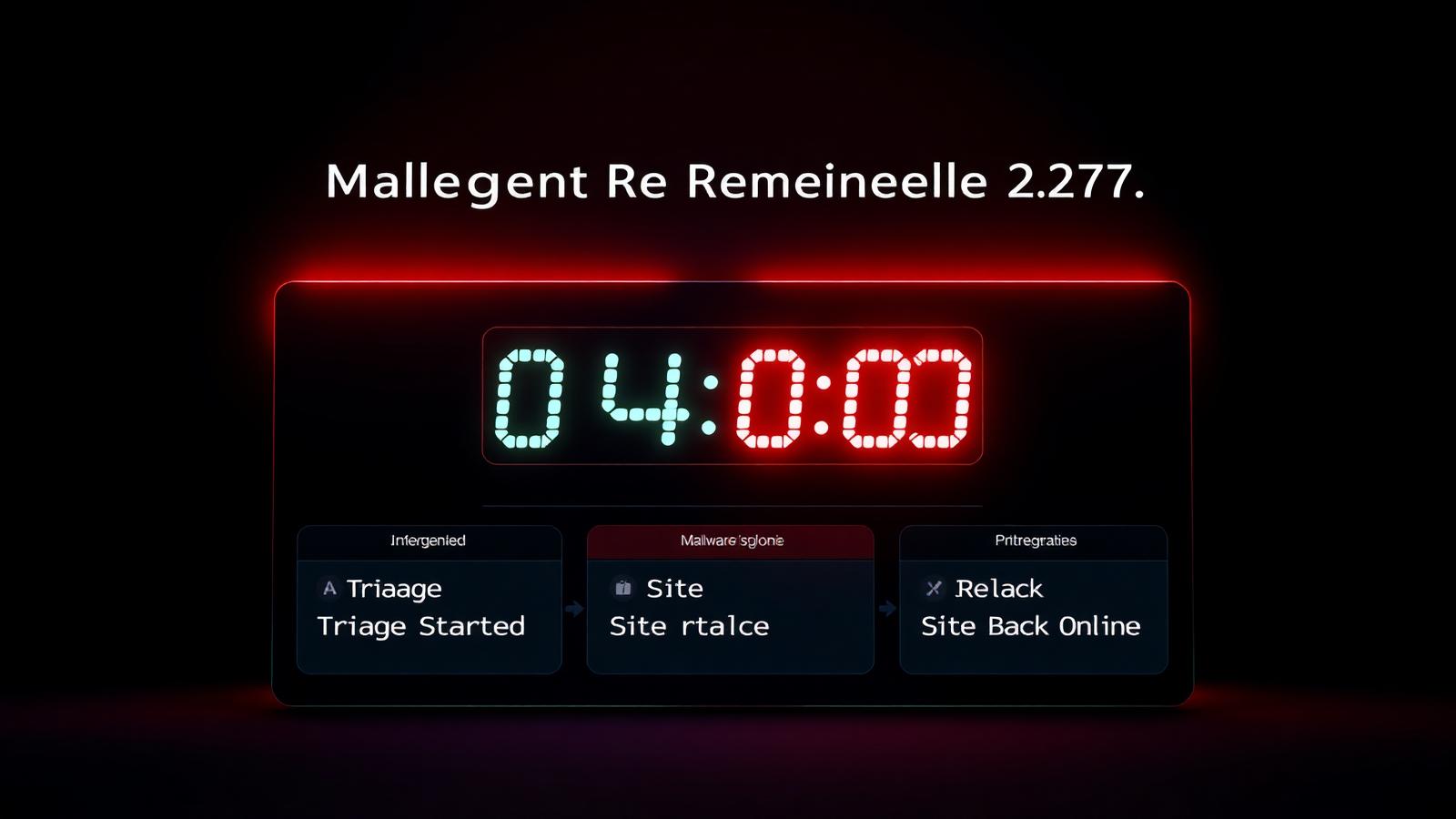
Emergency Malware Removal — Same-Day WordPress Cleanup by an Expert
Site hacked right now? I clean compromised WordPress sites in as little as 4 hours. Flat $49 rush fee, 24/7 WhatsApp response, 30-day reinfection guarantee.
What Counts as a WordPress Malware Emergency?
Not every hack is an emergency, but some absolutely are. As a WordPress malware removal expert, I define an “emergency” cleanup by three symptoms: your site is down for real visitors, Google or your host has flagged you as compromised, or an active attack is progressing while you read this. Any one of those means every hour of delay compounds the damage — lost sales, lost search rankings, lost customer trust — and you should not wait for a standard 48-hour turnaround.
Since 2019 I have handled over 500 emergency WordPress malware jobs. WooCommerce stores hit by credit-card skimmers on Black Friday. Membership sites where an attacker deleted every subscriber overnight. News portals defaced hours before a launch. B2B corporate sites suddenly redirecting to phishing pages the day before a big pitch. Every one of them shared the same reality: the difference between a 4-hour cleanup and a 48-hour cleanup was thousands of dollars in prevented losses.
My emergency service is purpose-built for these scenarios. When you message me on WhatsApp with an emergency, I stop what I am doing and respond within 15 minutes — including nights and weekends in Bangladesh Standard Time. Diagnosis begins immediately, and in most cases the site is clean and back online inside 4 to 12 hours, not days.
5 Signs Your Site Needs Emergency Malware Removal Right Now
If any of these five signals apply to your WordPress site in the last 24 hours, do not wait — message me on WhatsApp and I will start a free diagnostic scan immediately.
Site Redirects to Unknown URLs
Visitors are being sent to spam pharmacy, casino or phishing sites the moment they open your homepage. This is active revenue leakage.
White Screen of Death
Your entire site shows a blank white page or a fatal PHP error. WordPress admin is inaccessible. Every hour offline costs you traffic and rankings.
Host Suspended Your Account
Your hosting provider (Hostinger, Bluehost, SiteGround) has suspended the account for malware — an automated email said 'security violation'. Site is offline until cleaned.
Credit-Card Data at Risk
A WooCommerce store where a skimmer has been detected in checkout. Every order placed in the last hours may have leaked card data to attackers.
Defacement or Ransom Message
Your homepage now displays a hacker's logo, a political message, or a ransom demand in bitcoin. Every visitor sees it and every share on social media damages your brand.
Chrome/Google Safe Browsing Block
Chrome, Firefox and Safari display a red interstitial 'Deceptive site ahead' warning before your page loads. 90%+ of visitors will not click through.
My 4-Hour Emergency Cleanup Process
Emergency does not mean shortcuts. It means the same thorough workflow, run in parallel and prioritised for speed. Here is exactly what happens between the moment you approve the quote and the moment your site is back online.
Hour 0 — Triage & Access
Within 15 minutes of your WhatsApp message I confirm the emergency, quote a firm price, and receive temporary admin access (via Temporary Login Without Password — no permanent credentials shared). Immediate full snapshot backup begins.
Hour 1 — Full Malware Scan
Parallel Wordfence + Sucuri + custom YARA signature scan. Every recently modified PHP file audited manually. Complete malware footprint mapped before any deletion begins.
Hour 2 — Backdoor & Malware Removal
Every backdoor, injected script, malicious cron job and rogue admin account is removed. WordPress core replaced from official checksums. Nulled or compromised plugins flagged for replacement.
Hour 3 — Hardening
Passwords rotated, 2FA enabled, secret keys regenerated, login URL changed, hardened .htaccess and wp-config.php deployed. Attack vector confirmed closed before restore.
Hour 4 — Restore & Verify
Site brought back online. Full test: homepage loads, admin accessible, forms work, checkout works, no redirects. Search Console reconsideration filed if the site was flagged.
Hours 5–72 — Monitoring
72-hour post-cleanup monitoring for any sign of reinfection. Any anomaly triggers a re-scan free of charge. Full written report delivered on day 3.
Why Site Owners Trust Me With Emergency WordPress Cleanups
Emergency malware removal is one of the most stressful moments a WordPress site owner ever faces. The temptation is to grab the cheapest freelancer on a marketplace and hope for the best — but the cost of a shallow cleanup is another 24 hours of downtime and often a second, more expensive cleanup a week later.
Every emergency job I take on is handled personally by me — a full-time WordPress security specialist since 2019 — not routed to a support team or an automated scanner. When you message me on WhatsApp you talk to the person doing the actual work. That is why sites I clean stay clean, and why 90% of my emergency clients ask me to run their ongoing security hardening after the fire is out.
500+ Emergency Jobs
Handled since 2019 across WooCommerce, memberships, corporate and news sites in 40+ countries.
4-Hour Average Delivery
Typical emergency job completed inside 4–6 hours from approval. Complex WooCommerce cleanups extend to 12 hours max.
24/7 WhatsApp Response
Emergency channel monitored 24 hours a day. First response typically inside 15 minutes, day or night.
Real Emergency Case — WooCommerce Store, Down 6 Hours, Back in 4
On a Friday night in March 2026, the owner of a UK-based B2B WooCommerce store messaged me on WhatsApp at 11:47 PM local time. His site had been down for 6 hours. Hostinger had suspended the account after their automated scanner detected an active credit-card skimmer injected into the WooCommerce checkout template. The store’s peak sales weekend was starting in 8 hours.
I responded in 9 minutes. Access provisioned via Temporary Login, full snapshot taken, malware scan started at midnight. The infection turned out to be a JavaScript skimmer injected through a vulnerable outdated version of an abandoned reviews plugin — three separate backdoors dropped, one modified checkout template, and a scheduled cron job phoning card data to an attacker-controlled endpoint every 15 minutes.
By 3:52 AM the site was clean, hardened, back online, and Hostinger’s automated scanner had cleared the suspension. Total downtime: 10 hours (6 before I started, 4 during cleanup). The store opened for the weekend on time and processed £47,000 in orders across Saturday and Sunday. Cost of the emergency cleanup: $49 flat.
How Emergency Cleanup Differs from Standard Malware Removal
A standard WordPress malware removal job assumes you have 48 hours and no urgent revenue on the line. Emergency cleanup makes three deliberate trade-offs to compress that timeline safely.
1. Parallel workflow instead of sequential. On a standard job I scan → clean → harden → restore in order. On an emergency I run the scan, snapshot, and hardening steps in parallel, cutting typical time-to-restore from 24–48 hours to 4–6 hours without skipping any step.
2. 24/7 response window. Emergency jobs get answered on WhatsApp within 15 minutes regardless of hour — Friday night at 2 AM, Sunday morning, holidays. Standard jobs use the same channel but with a next-business-hours response.
3. Priority Search Console recovery. If Google flagged your site with a security warning, the reconsideration request goes in the same night — not on the next business day. Google clears most warnings within 48 hours of that request.
The reinfection guarantee, the depth of the scan, the hardening steps, and the written report are all identical to my standard $35 cleanup — you pay $14 more for the same quality delivered in a fraction of the time.
Emergency Malware Removal — Frequently Asked Questions
How fast can you actually start on an emergency cleanup?
WhatsApp response within 15 minutes, 24 hours a day. From the moment you approve the $49 quote and share temporary admin access, active cleanup work begins inside 30 minutes. The average site is fully cleaned, hardened, and back online within 4 hours; complex WooCommerce jobs can extend to 12 hours maximum. If I cannot start immediately (extremely rare — only when I am already on another emergency), I tell you upfront rather than making you wait.
What if my hosting has already suspended my account?
This is very common — Hostinger, Bluehost, SiteGround and A2 all suspend accounts automatically when their scanner flags malware. I have handled this exact scenario 200+ times. I clean the malware inside their file manager or via a temporary sub-account, then work with your host’s security team to lift the suspension. Most hosts clear suspensions within 2–4 hours of receiving a clean-site confirmation from me.
Do you charge extra for weekends or nights?
No. The $49 emergency fee is flat, one payment, regardless of whether you message me at 3 AM on a Sunday or during business hours on a Tuesday. I run this service specifically because most WordPress hacks happen outside business hours and standard providers make you wait until Monday.
Will I lose sales, customer data, or content during the cleanup?
No. Every emergency job starts with a full snapshot backup of your site and database, so nothing is destroyed. Legitimate posts, products, orders, subscribers and settings stay untouched. Only malicious files and injected code are removed. Live checkout, forms and admin functionality are tested before I hand the site back to you.
What if the malware comes back after cleanup?
Every emergency cleanup includes a 30-day reinfection guarantee. If the same malware returns within 30 days, I clean it again at no cost. In 500+ emergency jobs this has happened four times — every time because the site owner reinstalled a nulled plugin that carried the same backdoor. The guarantee still applied and the recleaning was free.
How do I share access without giving you my main admin password?
I recommend the free ‘Temporary Login Without Password’ plugin. You install it, generate a temporary admin link with a 24-hour expiry, and send me that link on WhatsApp. I never see or store your real password, and access self-destructs when the job is done. If you cannot install a plugin (site is offline), I use hosting file manager access instead.
Do you also handle Google Search Console blacklist warnings?
Yes, included in the emergency fee. If Google has flagged your site with ‘Deceptive site ahead’ or ‘Hacked content’ warnings, I file the reconsideration request the same night as the cleanup. Google typically clears these warnings within 24–72 hours. I monitor your Security Issues report daily and confirm when the warning is removed.
What happens after the emergency cleanup?
You get a written report listing every file changed, every backdoor closed, and every hardening step applied. I offer an optional Security Hardening monthly plan ($19/month) for ongoing scans, updates and monitoring — but there is no obligation and no upsell during the emergency itself. Cancel any time from WhatsApp.
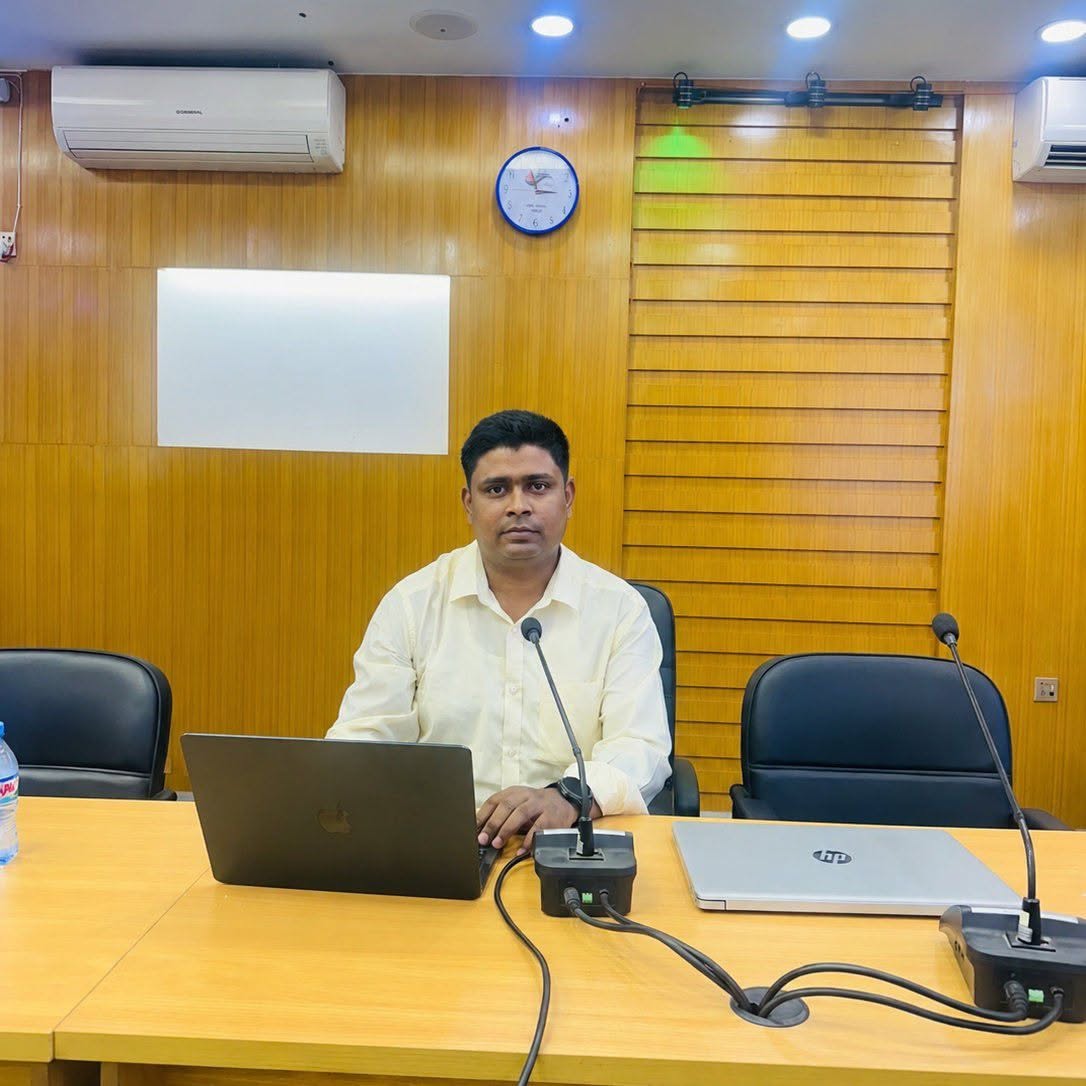
About the Author — Joynal Abdin
WordPress Security Specialist · Malware Removal Expert · Based in Bangladesh
I am Joynal Abdin, a full-time WordPress security specialist. Since 2019 I have personally handled 500+ emergency WordPress malware jobs — WooCommerce skimmers, defaced homepages, ransomware, host-suspension recoveries and Search Console blacklists. Every emergency is handled by me, not outsourced, not automated.
⭐ 4.9/5 from 320+ verified reviews · 🌍 clients in 40+ countries · 💬 typical WhatsApp response under 15 minutes, 24 hours a day.
My working hours cover Asia, Europe and Americas — most clients get sub-15-minute WhatsApp replies whether they message at 9 AM in London, 2 PM in Dhaka, or 11 PM in New York.
Site Hacked Right Now? Message Me on WhatsApp — I Respond in 15 Minutes
Free diagnostic scan first. If I cannot help, no charge. If I can, cleanup begins within 30 minutes of your approval and your site is typically back online inside 4 hours.